Everything in one app
Full control over your air conditioner
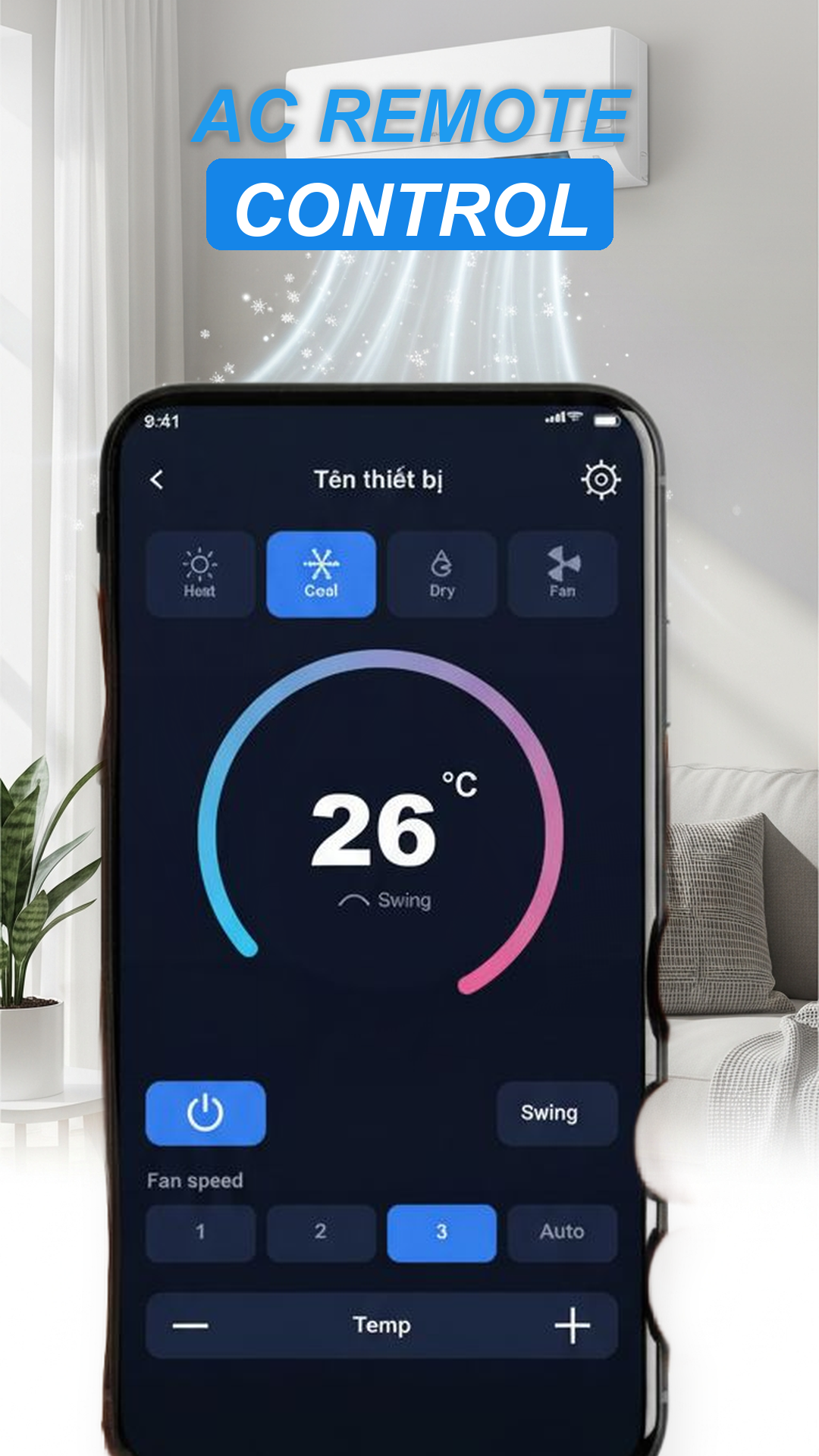
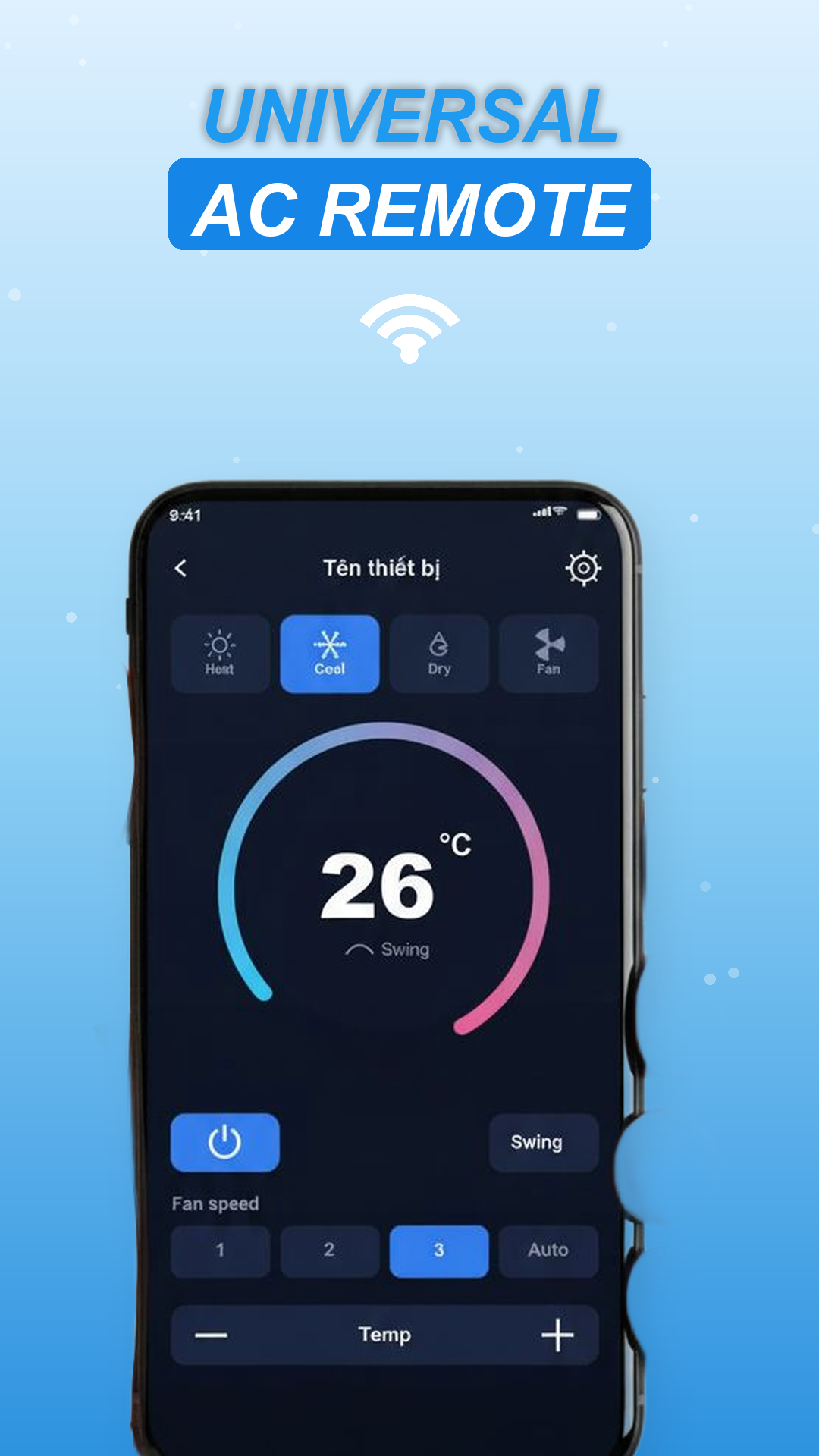
Replace your physical remote with a fast, friendly interface that handles temperature, fan speed, modes and timers.
Universal AC remote
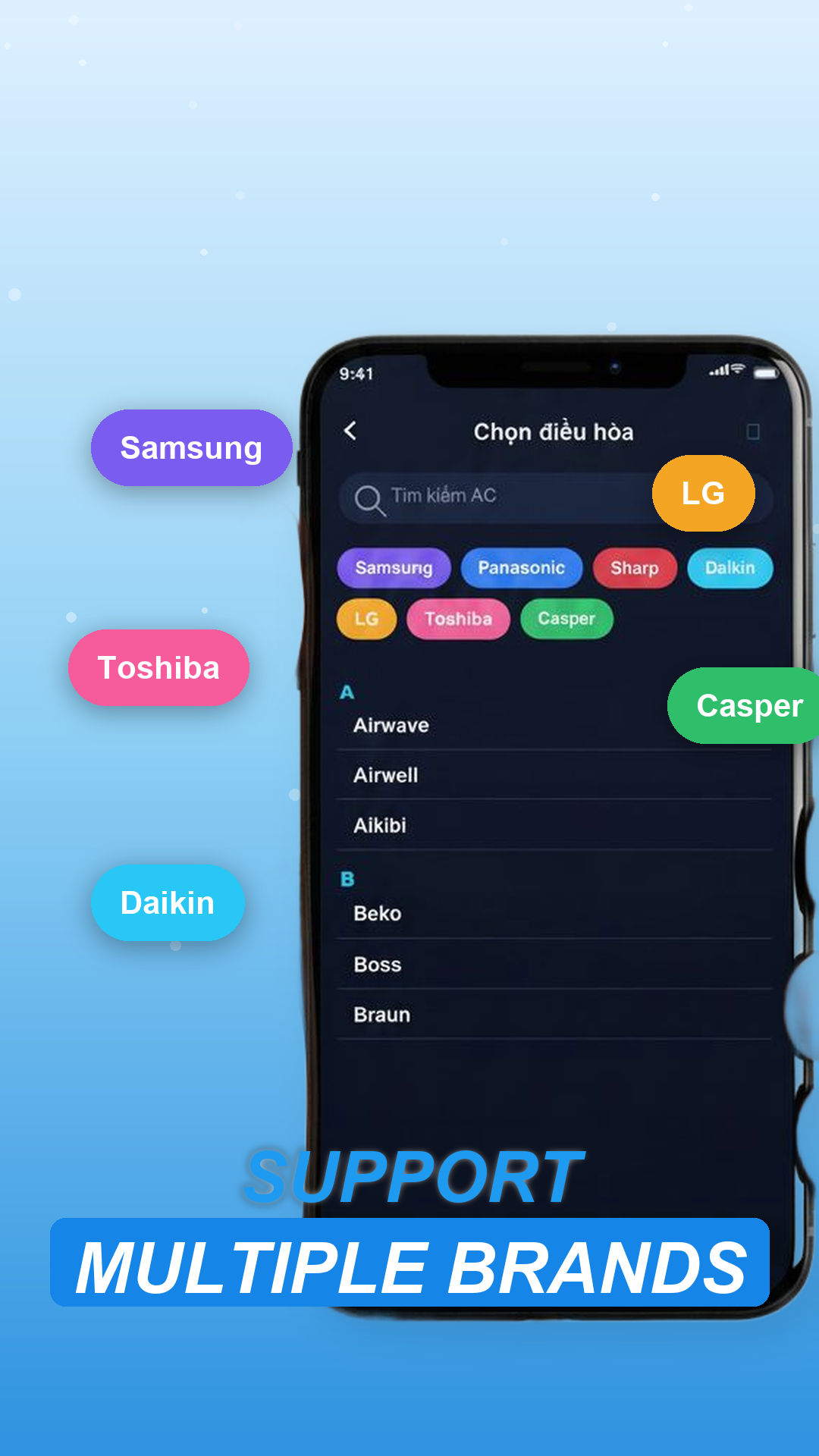
One app controls many popular air-conditioner brands using your phone's built-in IR blaster.
Temperature control
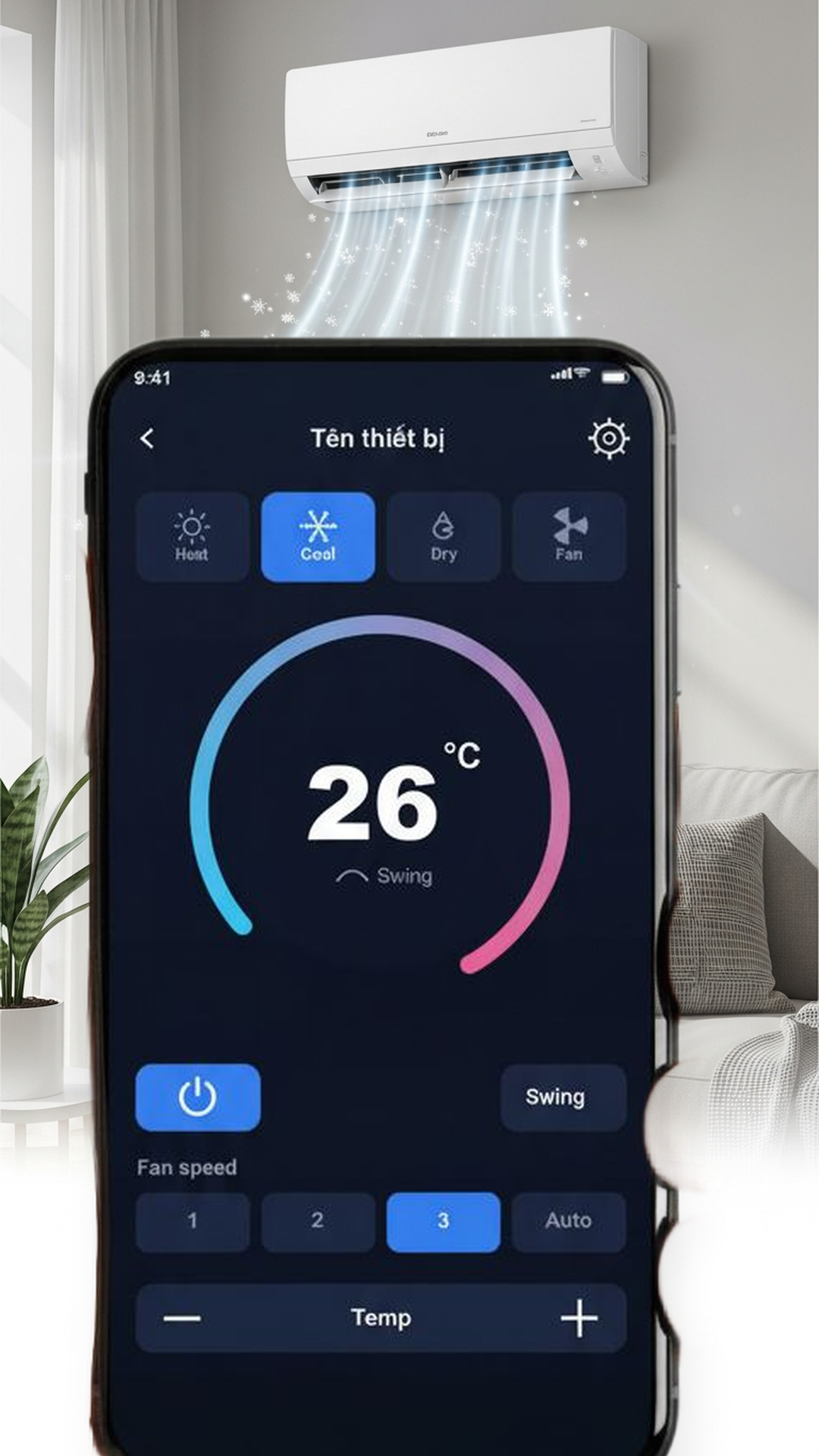
Dial your air conditioner up or down to the exact comfort level you want, right from your screen.
Fan speed adjustment
Choose from multiple fan speeds — including Auto — for better airflow and energy efficiency.
Multiple operation modes
Switch between Cool, Heat, Dry, Fan and Auto — depending on what your AC model supports.
Timer control
Set timers to automatically turn your air conditioner on or off — save energy while you sleep.
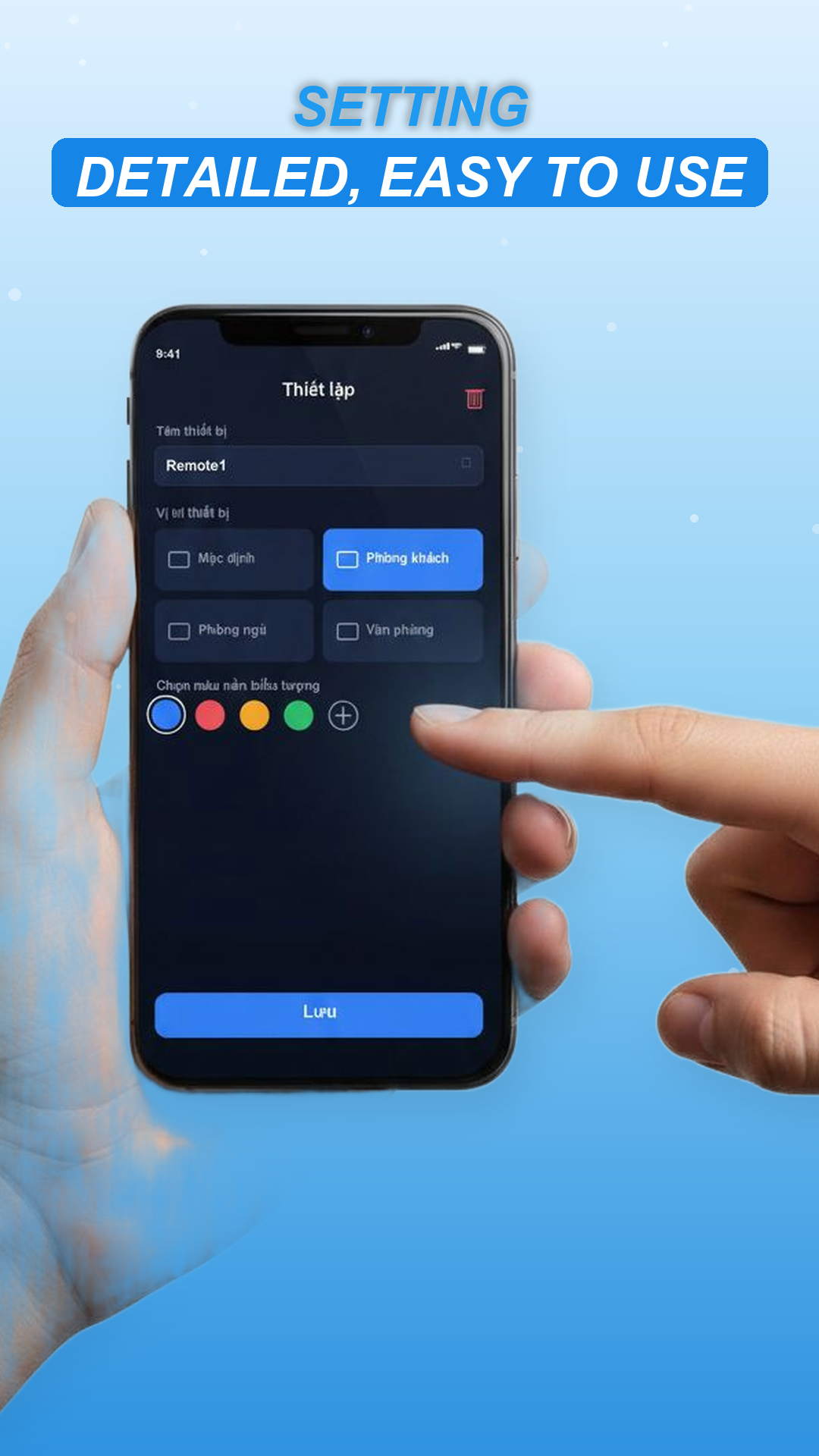
Save multiple devices
Manage several AC units from different rooms — living room, bedroom, office — all in one place.